Field notes for Odoo shops
Your Odoo is full of answers you can’t get to.
A roughly $20M distributor connected their Odoo to a data layer. In two months their own team, not consultants, built 60+ apps and automations on their live data. They tie it to 3% revenue growth and 150+ hours saved a month. Here is exactly what they built, and how you can too.
One of the 60+. Numbers are illustrative.
- +3%
- attributed revenue growth
- 150+
- labor hours saved per month
- 60+
- apps + automations built in-house
- 3 days
- from signup to live
Real shop. Real numbers.
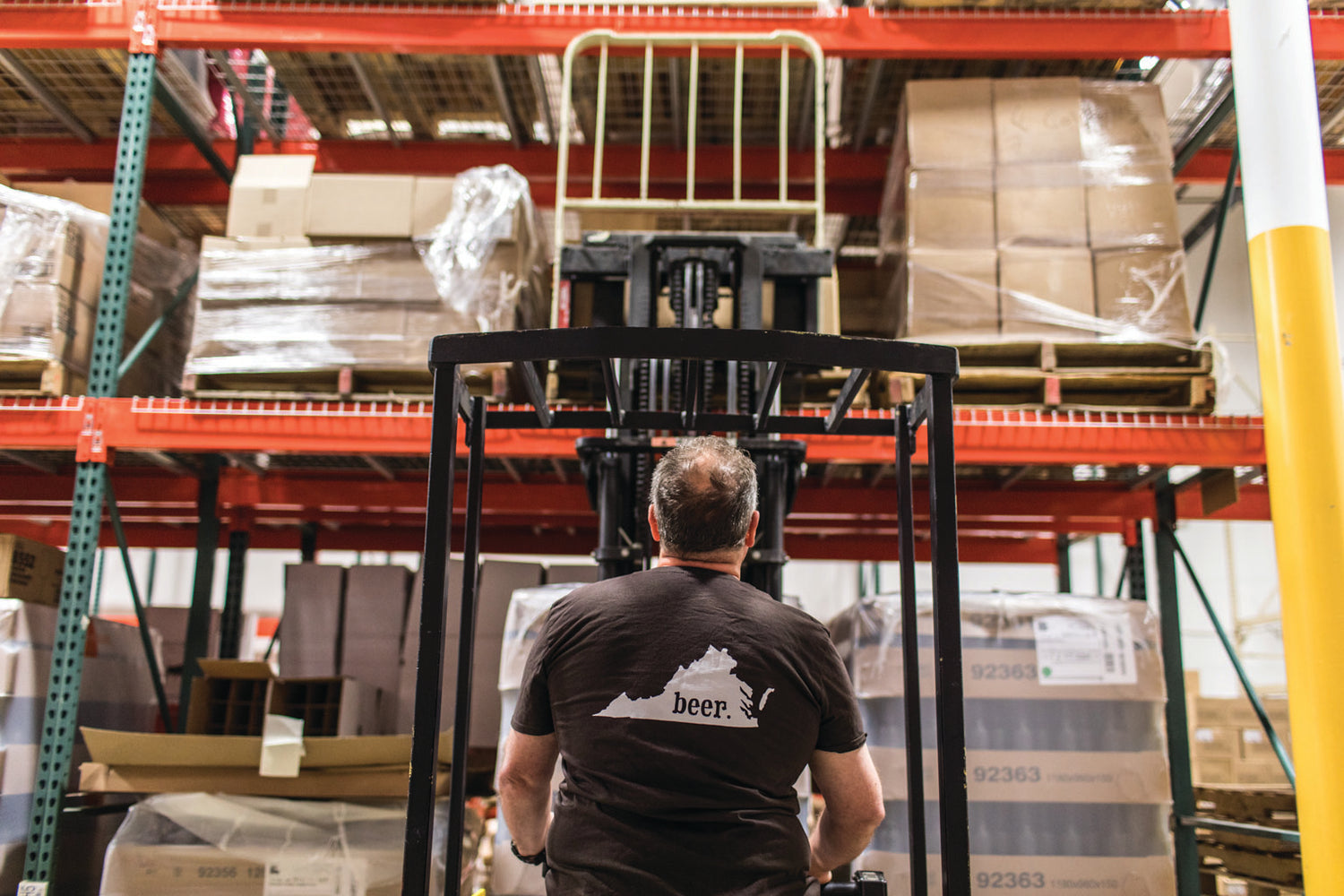
 Ashland, Virginia · runs on Odoo
“We had fifteen years of history sitting in Odoo and were using maybe a tenth of it. Two months after we connected it, my own team, no consultants, built sixty-plus apps on our live numbers. It found money we’d been leaving on the table. Now we punch well above our weight.”

Why the data is so hard to use
Three walls stand between the data sitting in Odoo and an answer you can act on.
The schema is a maze
Odoo runs the business, but its tables are built for the app, not for answering questions. Getting a clean number means joining things nobody documented.
Native reporting runs out of room
The built-in views are fine until the question gets specific. Then you are back in a CSV, in Excel, rebuilding the same pivot every week.
There is no easy real-time path
By the time the report exists, it is describing last month. The decisions that move money need the data as it is right now.
The data is already there.
Using it is the wall.
The teardown is about getting over it, without ripping Odoo out or hiring a data team.
You ask. It builds. You keep what works.
No new system to learn and nobody to wait on. This is the whole loop, and it is the reason sixty apps is a plausible number instead of a brag.
- 01
Connect your Odoo
Point it at the database you already run. Nothing is migrated and nothing is rebuilt: it reads what Odoo already holds, including the years of history you have never touched.
- 02
Ask in plain language
Type the question the way you would say it out loud. Which customers went quiet, which SKUs are about to run out, where the margin actually went. No SQL, no ticket, no waiting.
- 03
Keep the ones that work
A useful answer becomes an app your team can open tomorrow. That is how sixty of them accumulate: one real question at a time, kept when it earns its place.
What they actually built
None of this is exotic. It is the stuff every operator wishes they could see, sitting in the data all along.
Win-back lists
Customers who used to order monthly and went quiet, ranked by what they used to spend. Sales works the list instead of guessing.
Hover to open the appStock-out risk alerts
A daily read on which SKUs are about to go to zero given real order velocity, before the shelf is empty.
Hover to open the appOverdue-PO alerts
Purchase orders past their promised date, surfaced automatically, so nobody finds out from an angry customer.
Hover to open the appPayroll + hours automation
Hours pulled straight from the live data into the payroll workflow. The manual Friday spreadsheet is gone.
Hover to open the appInventory automation
Reorder points and counts that keep themselves current instead of living in one person’s head.
Hover to open the appLive margin dashboards
Margin by product, customer, and rep, from live Odoo data, not a month-end export that is already stale.
Hover to open the appSixty-plus, not six
the six above are just the ones that photograph wellWho this is for
If you run a real operation on Odoo and the reporting never quite keeps up, you are the shop these notes are written for.
Distributors
Moving product on thin margins, with inventory that changes by the hour.
Manufacturers
BOMs, work orders, and a shop floor that has to reconcile with finance.
Wholesalers
High SKU counts, big orders, and PO cycles that punish a missed date.
- The reports never quite answer the real question
- Half the operation still runs on spreadsheets
- You have years of history you barely touch
Who is behind this
I implement Odoo for a living. For years, when a client asked whether they could get a dashboard for something, the answer was a quote, a timeline, and eventually a change order. I never enjoyed being that person. Now I connect their Odoo to Nightshift and hand the questions back: their own team asks, they keep what works, and I am there for the hard parts instead of every small one. Full disclosure, because it matters: Nightshift is the product behind this site, and the teardown above was built on it. The playbook works whichever tool you pick, and the field notes are useful either way.
Not interested in waiting for the teardown? Connect your Odoo and ask it something. Free to start, nothing to install.
Get the full teardown of the 60+ builds.
What they built, in what order, and the ones that paid for the whole thing. Straight to your inbox.